
 Русский
  Polski
  Türkçe
  Español
  Deutsch
  Français
Your crosshair is the primary point of contact between your skill and the game. In 2026, Counter-Strike 2 offers advanced customization tools - from classic static crosshairs to dynamic codes used by the world's best players. In this guide, we will break down all the setup methods - from the simple in-game menu to hardcore console commands.
Primary Methods for Crosshair Customization
In the current version of CS2, you can adjust your crosshair in three ways:
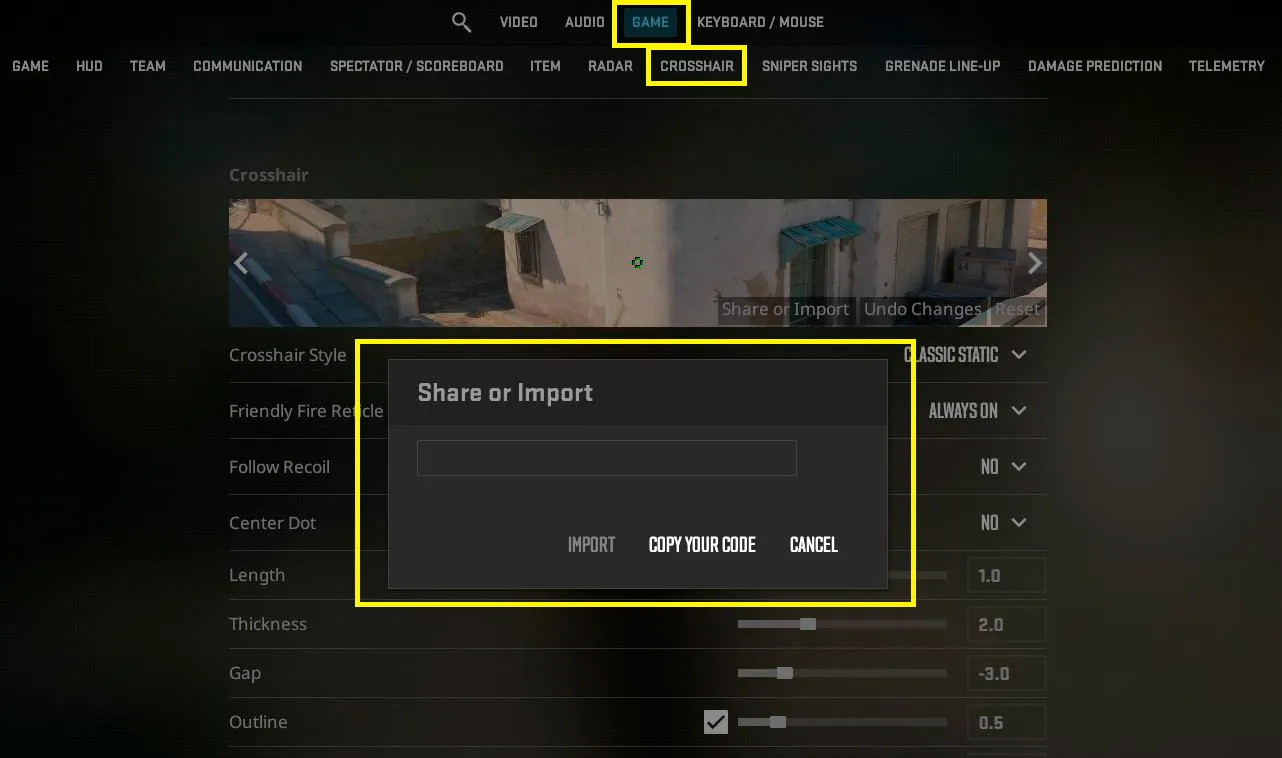
- Via the In-Game Menu: Go to Settings -> Game -> Crosshair. In 2026, the preview interface has been updated: you can now see how your crosshair looks on different maps (Dust 2, Mirage, Ancient) directly within the settings window.
- Using an Import Code: The fastest method. You copy a short string of characters and instantly get a ready-to-use crosshair.
- Via the Developer Console: The method for those who want surgical precision and access to parameters sometimes hidden in the standard UI.
Pro Tip: To ensure your crosshair is sharp and doesn't "blur" on lower resolutions, make sure to check out our Best CS2 Graphics Settings (No. 1).
How to Import a Crosshair Code in CS2?
If you found a code from a pro player or a friend, here is the step-by-step activation guide:
- Open Settings (gear icon).
- Go to the Game section, then to the Crosshair tab.
- Click the Share or Import button on the crosshair preview window.
- Paste the copied code into the field and click Import.
All Crosshair Console Commands (Table)
For those who prefer using an autoexec.cfg or quick adjustments via the console (~), we have gathered the essential variables:
| Command | Description | Example Value |
| cl_crosshairsize | Length of the crosshair lines | 2 |
| cl_crosshairthickness | Thickness of the lines | 1 |
| cl_crosshairgap | Gap between the lines | -2 |
| cl_crosshairdot | Center dot (0 - off, 1 - on) | 0 |
| cl_crosshair_drawoutline | Crosshair outline (contour) | 1 |
| cl_crosshaircolor | Color (1-4 standard, 5 - custom) | 5 |
| cl_crosshair_recoil | Crosshair follows recoil (0/1) | 0 |
How to Set Up a "Dot" Crosshair
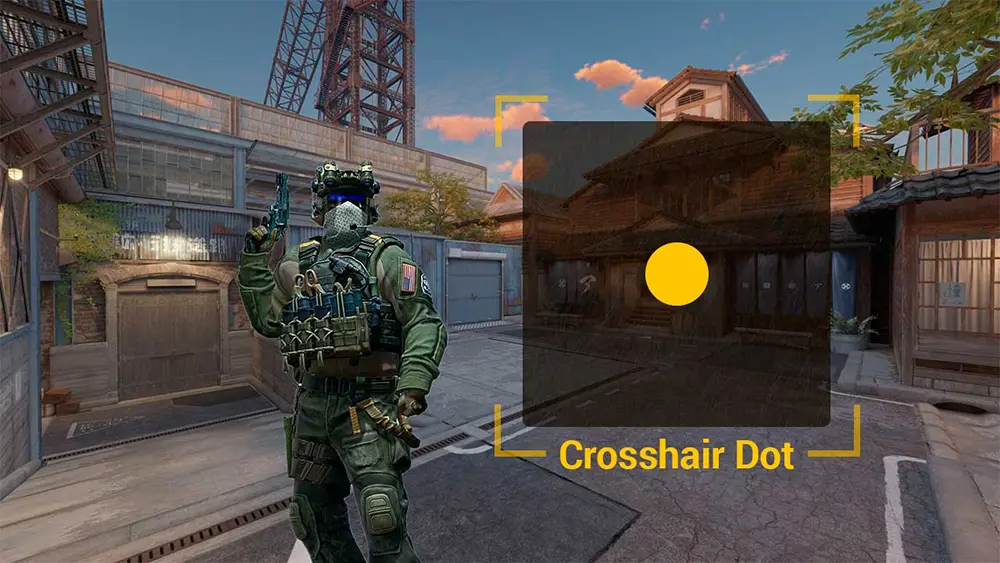
In 2026, many players are switching to minimalist dot crosshairs to improve accuracy at long ranges. To create the perfect dot, enter this into the console:
cl_crosshairsize 0; cl_crosshairdot 1; cl_crosshairthickness 1.5;
cl_crosshairgap -999; cl_crosshair_drawoutline 1;
Crosshair Maps and Generators
Despite the convenient menu, interactive maps remain a top choice:
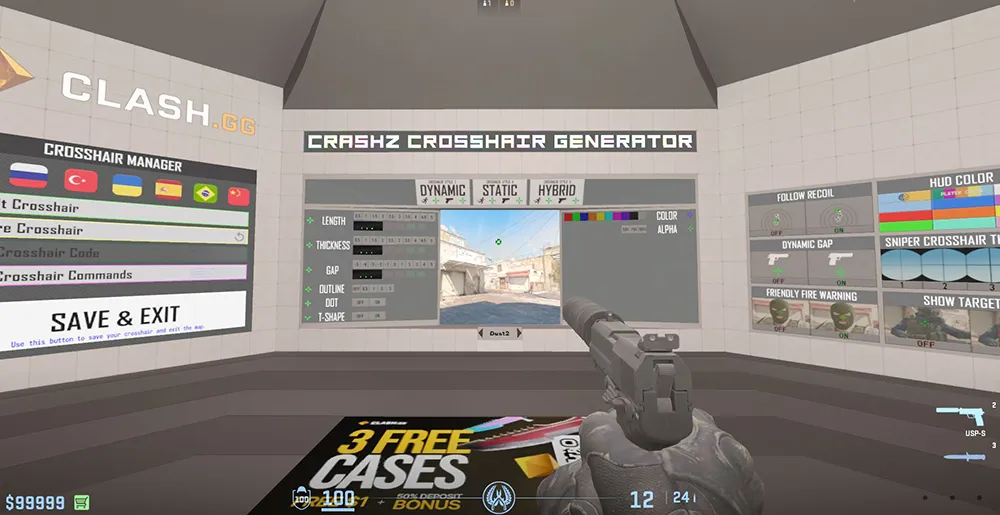
- Crashz' Crosshair Generator v4: The legendary Steam Workshop map, fully updated for the Source 2 engine. It allows you to "shoot" a team logo and instantly receive an idol's crosshair.
- Lobby Customization: In 2026, you can join a practice session with friends and copy their crosshairs in real-time through the spectator interface.
Pro Player Crosshairs 2026
Pro players constantly experiment, but here are three of the most relevant codes this season:
- m0NESY (G2):
CSGO-7667b-ASvO5-Y9u7n-O6v9H-Y4u7D - donk (Spirit):
CSGO-HRU6p-7q66q-Y9u7n-O6v9H-Y4u7D - ZywOo (Vitality):
CSGO-Qzpx5-B6q87-OmY9u-O6v9H-Y4u7D
Note: You can find the full list of up-to-date configs for all esports players (S1mple, NiKo, dev1ce) in our Special Config Section (No. 8).
Pro Tip: The Follow Recoil Function
The command cl_crosshair_recoil 1 makes your crosshair move along the trajectory of your bullets while spraying.
- Pro: Ideal for beginners to visually understand the spray pattern.
- Con: Can be disorienting for experienced players. Try it in Deathmatch before jumping into Premier.
Crosshair FAQ (Frequently Asked Questions)
How do I quickly copy a teammate's crosshair during a match?
- While spectating (after you die), open the scoreboard (Tab), right-click to activate the cursor, click on the player's name, and select the "Copy Crosshair" icon.
Which crosshair color is the most visible on all maps?
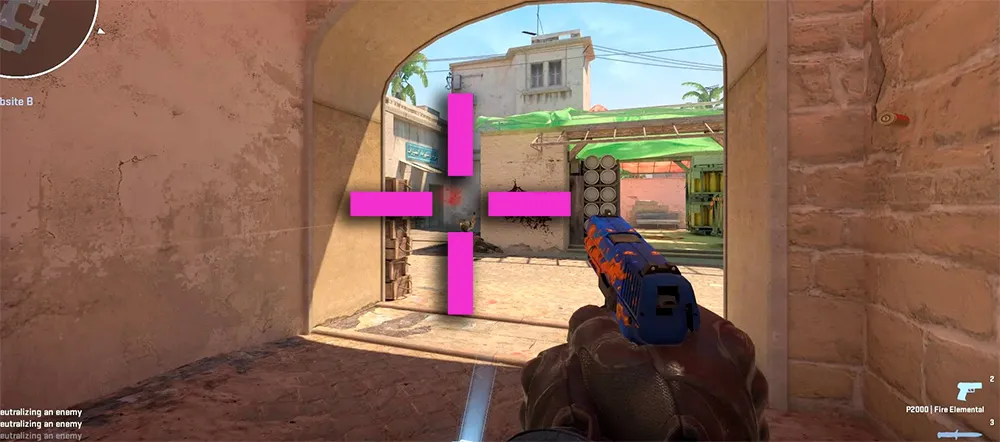
- In 2026, pro players mostly choose Bright Green, Pink, or Cyan, as these offer the most contrast against the majority of CS2 textures.
How do I remove the crosshair entirely (e.g., for screenshots)?
- Use the command
crosshair 0. To bring it back, typecrosshair 1.
Why does my crosshair expand when I run or shoot?
- This is a feature of the dynamic style. For a static crosshair, select "Classic (Static)" in settings or enter
cl_crosshairstyle 4.
How do I change the crosshair outline thickness?
- Use the command
cl_crosshair_outlinethickness. For 2K and 4K resolutions, we recommend a value of1.5or2.