
 Русский
  Polski
  Türkçe
  Español
  Deutsch
  Français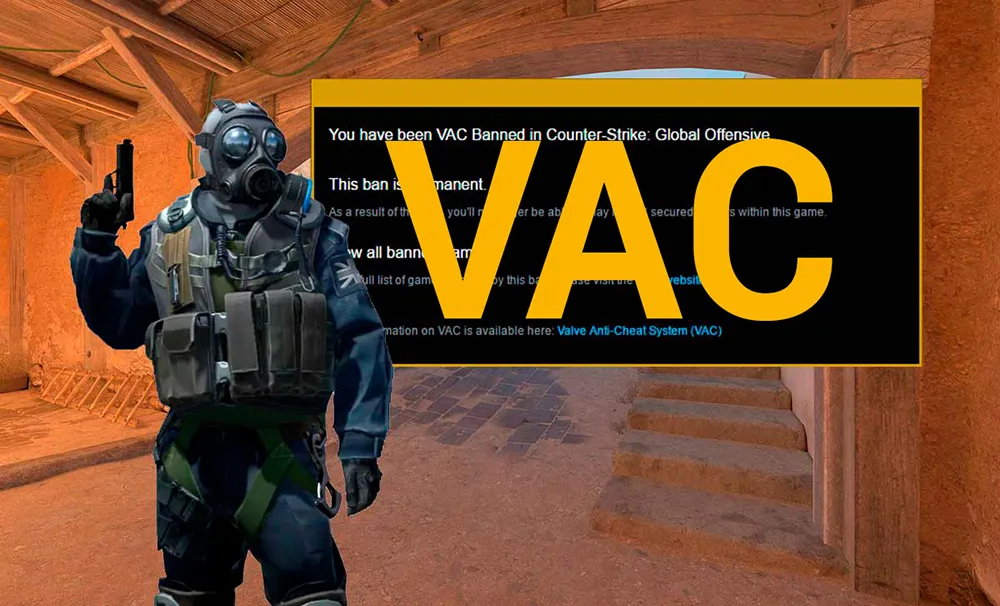
Anti-cheat is one of the most discussed topics in the Counter-Strike 2 community. Some complain about cheaters, while others look for how to remove a VAC in CS after an accidental block. In 2026, the system has become even tougher: VAC Live is now operational, which can interrupt a match and annul its results if a violator is detected.
In this article, we will break down what VAC in CS is, how this system works, and what to do if the game issues an error.
What is VAC in CS and how the system works in 2026
VAC (Valve Anti-Cheat) is an automated system designed to detect cheats installed on a user's computer.
In CS2, the VAC system received an update called VAC Live. Now, it does not just accumulate data for a "ban wave," but analyzes player behavior in real-time. If the system is 100% certain of cheating, the match is terminated immediately.
What to do if CS says VAC (System error)
Sometimes players encounter the message: "Your game session has been interrupted: VAC system was unable to verify your game session." This is not a ban, but a technical CS VAC error.
How to fix a VAC error (step-by-step):
- Verify integrity of game files: Right-click on CS2 in Steam -> Properties -> Installed files -> Verify integrity. This solves the problem in 90% of cases.
- Restart Steam as administrator: Often, the system lacks the permissions to scan processes.
- Disable conflicting software: Antivirus programs, registry cleaners (like CCleaner), or software for component lighting can cause conflicts.
- Reset network settings: Type
netsh winsock resetin the Windows command prompt and restart your PC.
Can a VAC ban be removed in CS2?
One of the most frequent search queries is "how to remove VAC CS2." Valve's answer for over 20 years remains unchanged:
VAC bans are final, do not expire, and cannot be removed by Steam support.
However, there are exceptions:
- False positives: If the ban was part of a mass wave (for example, due to GPU drivers, as happened in 2023-2024), Valve removes it automatically within a few days.
- Overwatch error: If a ban was issued by mistake, it can be annulled after a re-check by the developers.
If you did not cheat: The only thing to do if CS says VAC (specifically a ban) is to write a polite appeal to Steam support, attaching evidence (such as a video recording of your gameplay). But remember: if cheats were launched even once, the ban will not be lifted.
How to avoid getting a VAC ban by mistake
In 2026, the system is very sensitive to any changes in the game's memory. To avoid looking for a way to remove a VAC in CS, follow these rules:
- Do not use "internet boosters" or skin-changing software (SkinChanger).
- Do not use console scripts that mimic cheat behavior (for example, auto-bunnyhop through complex mouse macros).
- Be careful with Windows automation programs.