
 Русский
  Polski
  Türkçe
  Español
  Deutsch
  Français
To progress in Counter-Strike 2, simply playing Premier or FACEIT isn't enough. You need to know grenade lineups, wallbangs, and timings. For this, you will need your own training server. In this guide, we have gathered all the necessary console commands to turn an ordinary map into the perfect testing ground.
How to Launch Training Mode
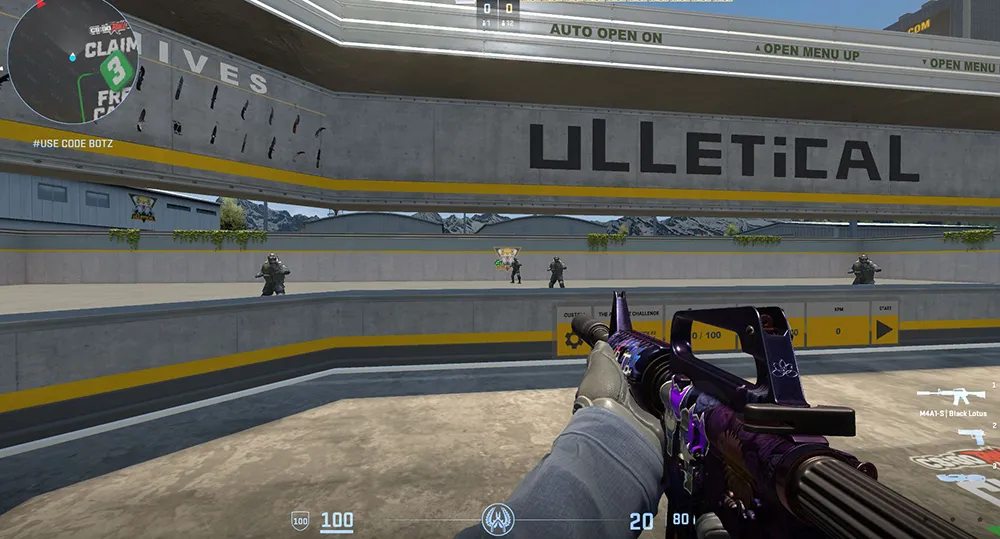
The easiest way is to launch a map through the main menu (Practice -> Competitive). Make sure to enable these options in the settings on the left:
- Infinite Ammo
- Infinite Warmup
- Grenade Trajectory
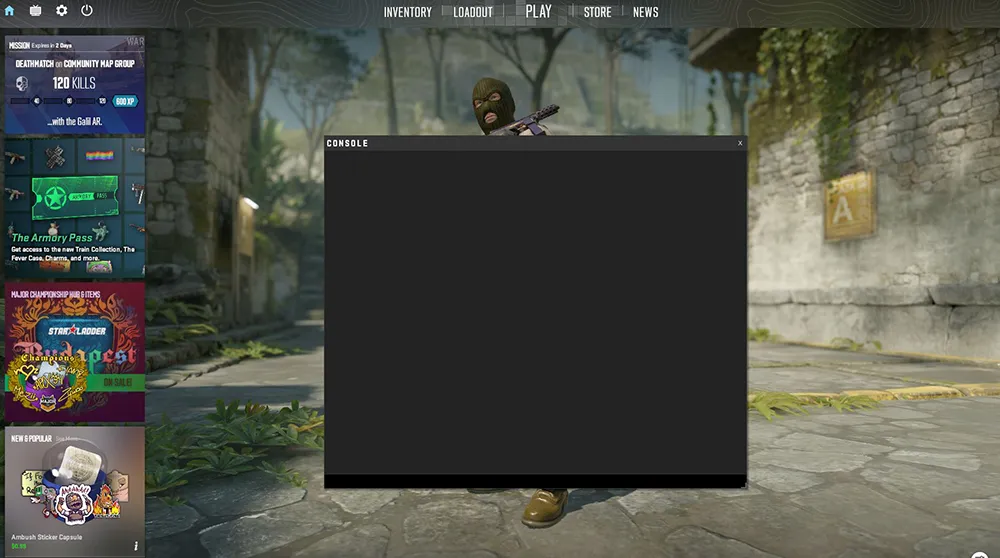
After loading, open the console (~) and enter the first and most important command:
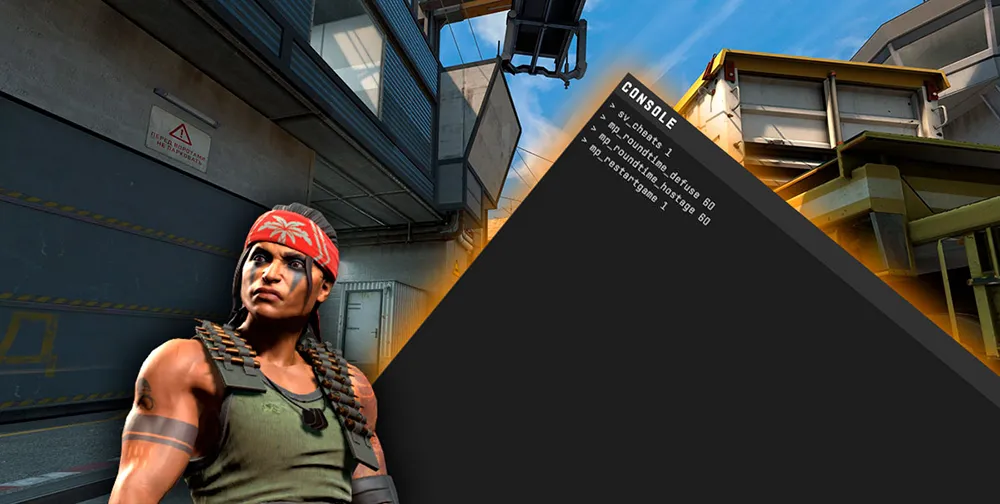
sv_cheats 1 - enables the use of training commands.
Essential Commands for Server Setup
Copy this block and paste it into the console as a single line to quickly set up your server:
sv_cheats 1; mp_roundtime_defuse 60; mp_freezetime 0; mp_warmup_end; mp_buytime 9999; mp_buy_anywhere 1; mp_maxmoney 60000; mp_startmoney 60000; sv_infinite_ammo 1; ammo_grenade_limit_total 6; mp_restartgame 1
What these commands do:
- mp_roundtime_defuse 60 - sets the round time to 60 minutes.
- mp_buy_anywhere 1 - allows you to buy anywhere on the map.
- sv_infinite_ammo 1 - infinite ammo and grenades (no reload).
- ammo_grenade_limit_total 6 - allows you to carry all types of grenades at once.
- mp_restartgame 1 - restarts the match with the new settings.
NoClip and Flying Across the Map
To move quickly around the map and see where your smokes land, use NoClip.
Command: noclip Pro-tip: To avoid typing this every time, bind the command to a convenient key (e.g., Alt): bind alt noclip
Grenade and Lineup Practice
CS2 introduced new features for grenade training, including a landing point preview.
- sv_grenade_trajectory_prac_pipreview 1 - enables a mini-window showing exactly where the grenade will land (PiP camera).
- sv_rethrow_last_grenade - repeats the last thrown grenade. This is useful for standing in a position to check if your own flash blinds you.
- Recommended bind:
bind "key" sv_rethrow_last_grenade - ent_fire smokegrenade_projectile kill - instantly removes all smokes on the map (useful if you’ve thrown too much smoke).
Working with Bots
If you need to test a wallbang or place a bot in a specific position:
- bot_kick - remove all bots.
- bot_add - add a bot.
- bot_stop 1 - bots freeze in place.
- bot_place - places a bot directly in front of you.
- bot_mimic 1 - the bot will mirror all your movements (useful for checking mirror positions).
Camera and Time Settings
- host_timescale 10 - speeds up server time (so smokes dissipate faster).
- host_timescale 1 - returns time to normal speed.