
 Русский
  Polski
  Türkçe
  Español
  Deutsch
  Français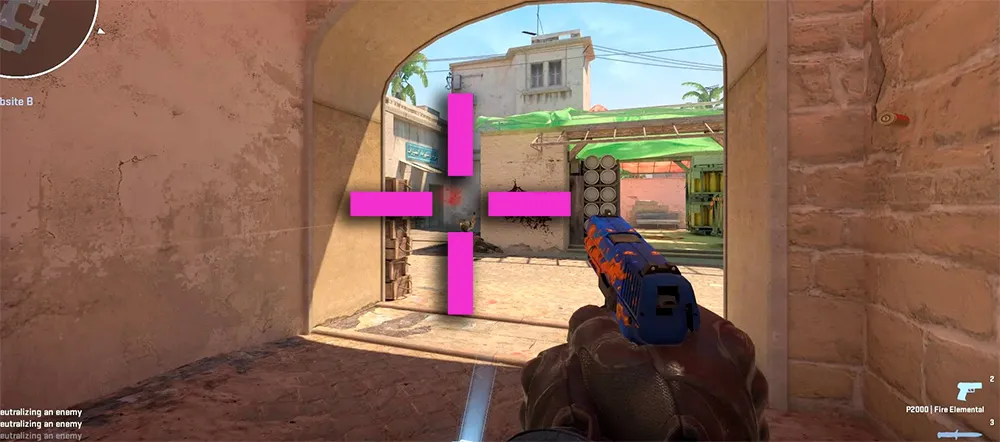
Many players wonder how to make a pink crosshair in CS, because standard colors (green, yellow, blue) often get lost against light walls or bright lighting in CS2. A pink CS crosshair is the most high-contrast option, remaining equally visible in dark tunnels and sun-drenched positions.
In this manual, we will break down all setup methods: from import codes to console commands.
How to make a pink crosshair in CS2 in 10 seconds
The easiest way to get a pink crosshair color in CS2 is to use the code import system.
- Copy one of the codes below.
- Go to Settings -> Game -> Crosshair.
- Click the "Share/Import" button and paste the code.
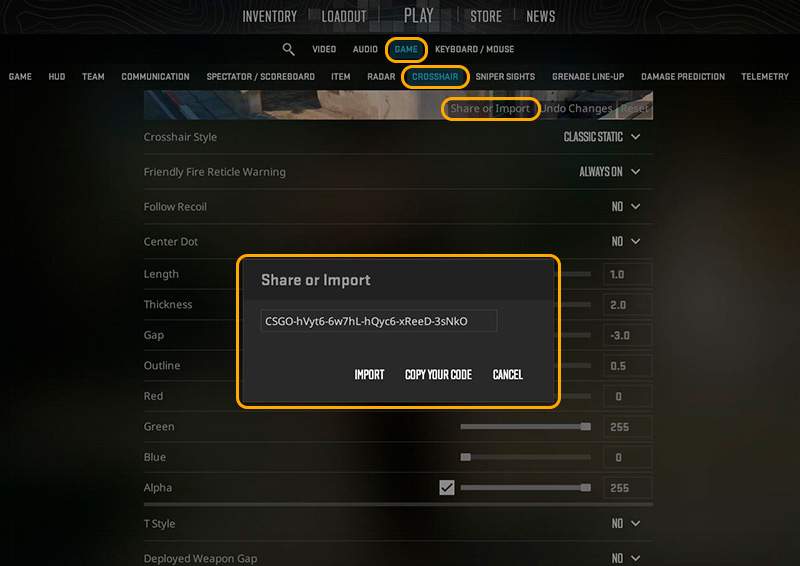
Best codes for a pink crosshair:
- Classic crosshair:
CSGO-hVyt6-6w7hL-hQyc6-xReeD-3sNkO - Small crosshair (like pros):
CSGO-iRLUK-JmsYA-5qFeS-JkWX5-x6aYO
Setup via console (RGB commands)
If you want to set up a unique shade manually, console commands will help you. Pink is achieved by mixing the Red and Blue channels.
Enter these commands into the console (~):
cl_crosshaircolor 5(Enables custom color mode).cl_crosshaircolor_r 255(Maximum red).cl_crosshaircolor_g 0(Disable green).cl_crosshaircolor_b 255(Maximum blue).
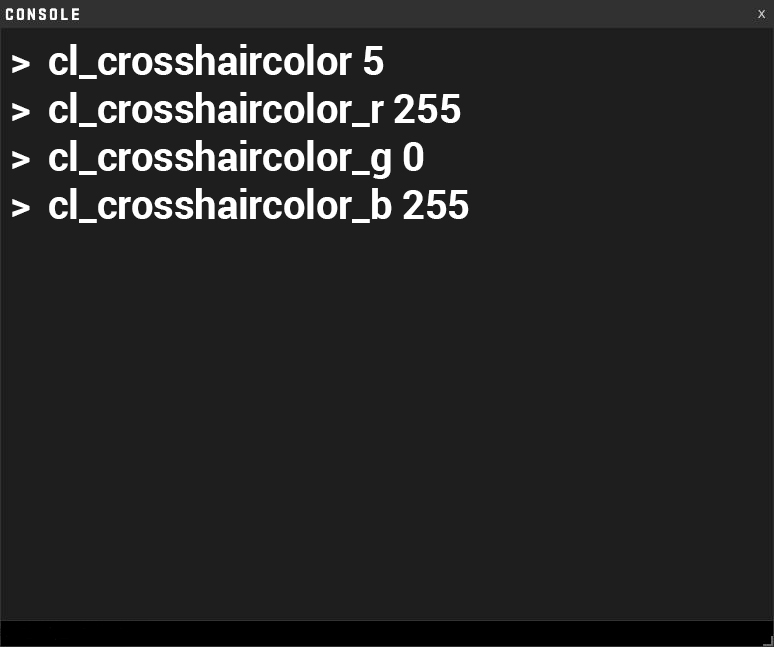
Result: You will get the brightest and most vibrant "neon" pink color.
Why is the pink crosshair in CS2 so popular?
Using a pink color provides several advantages:
- Contrast: CS2 features many yellow (Dust 2, Mirage) and green (Ancient, Overpass) tones. Pink is not found in map textures, so the eye instantly locks onto the center of the screen.
- Clarity in smoke: Through the translucent edges of smoke, a pink crosshair is visible better than a white or light blue one.
Customization tips
To make your pink crosshair in CS2 even more noticeable, add an outline:
cl_crosshair_drawoutline 1- Enables a black outline around the crosshair.cl_crosshairalpha 255- Makes the crosshair completely opaque.
See also:
- [Top 10 pro player crosshairs (Article No. 8)]
- [How to set up sound to hear footsteps (Article No. 5)]
- [Jumpthrow bind for perfect grenades (Article No. 11b)]