
 Русский
  Polski
  Türkçe
  Español
  Deutsch
  Français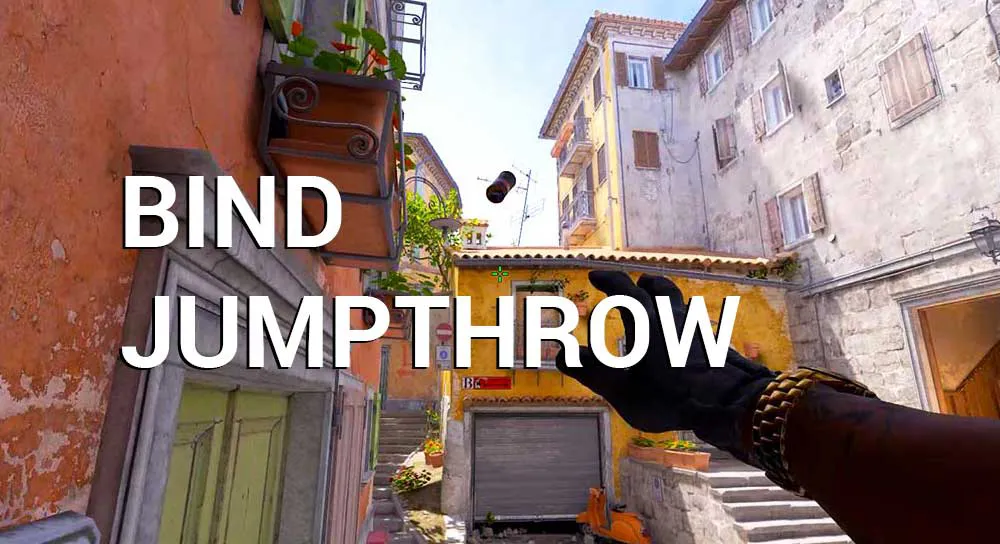
In CS:GO, throwing a grenade while jumping could be done manually, but in CS2, due to the subtick system, even a millisecond delay changes the flight trajectory. To ensure your smokes always land in the exact same spot, a Jumpthrow bind is essential.
In this guide, we will break down the working scripts for 2026 that function on official Valve servers (Premier, Matchmaking) and FACEIT.
The most reliable Jumpthrow bind (via Alias)
In CS2, a simple string of commands in the console often "breaks" or works incorrectly. To make the throw perfect, we use the Alias system.
How to set it up:
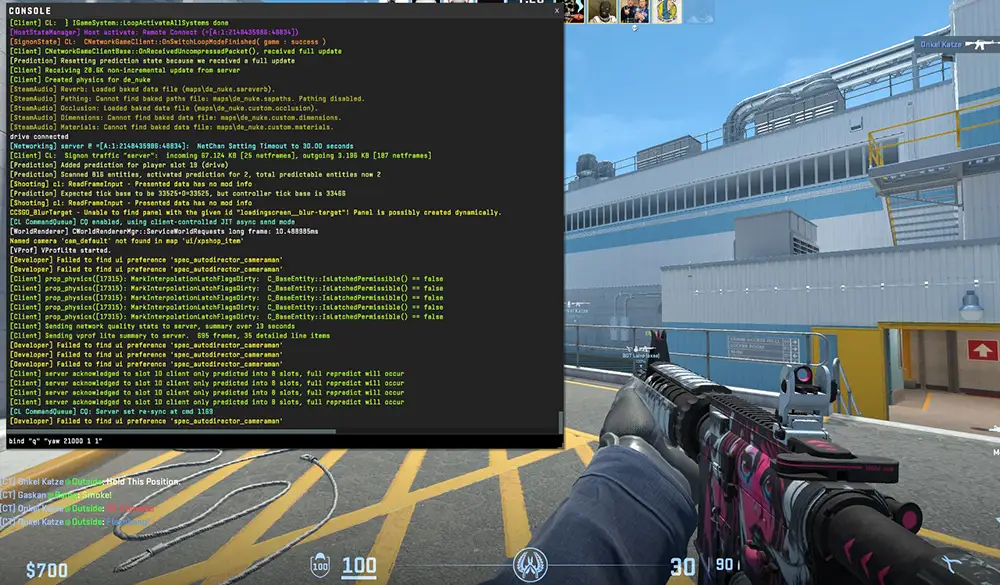
- Open the console (~).
- Copy and paste these three lines one by one:
alias "+jumpaction" "+jump"
alias "-jumpaction" "-jump"
alias "+throwaction" "-attack; -attack2"
bind "ALT" "+jumpaction;+throwaction;"
Now, when pressing ALT (you can replace it with any key), your character will perform a flawless throw at the highest point of the jump.
Runthrow - bind for throwing while moving
Some professional lineups (for example, an instant smoke into "window" on Mirage from spawn) require a jump-throw while simultaneously taking a step forward. For this, a Runthrow is used.
Code for the console:
alias "+runthrow" "+forward;+jump"
alias "-runthrow" "-jump;-forward"
bind "C" "+runthrow;+throwaction"
Important: For this bind to work, you must already have the alias "+throwaction" from the previous section defined.
Why is Jumpthrow not working in CS2?
If you entered the commands but nothing happens when the button is pressed, or the character simply jumps:
- Autoexec issue: Console aliases reset every time the game is restarted.
- Solution: Create an
autoexec.cfgfile in the folder\game\csgo\cfg\and paste the codes there. In the Steam launch options, add+exec autoexec.cfg. - Order of actions: Remember that the bind does not select the grenade for you. You need to:
- Hold the grenade in your hand.
- Hold the left mouse button (pull the pin).
- Press the bind key (e.g., ALT).
- Server restrictions: Some specific community servers prohibit multi-action binds, but they are allowed in official Valve modes and on FACEIT.
Instant utility binds (Slot Binds)
For a Jumpthrow to be effective, you must pull out the necessary grenade instantly. Forget about using the scroll wheel!
bind "4" "slot6"- High explosive (HE)bind "f" "slot7"- Flashbang (Flash)bind "v" "slot8"- Smoke grenade (Smoke)bind "c" "slot10"- Molotov (Molotov)