
 Русский
  Polski
  Türkçe
  Español
  Deutsch
  Français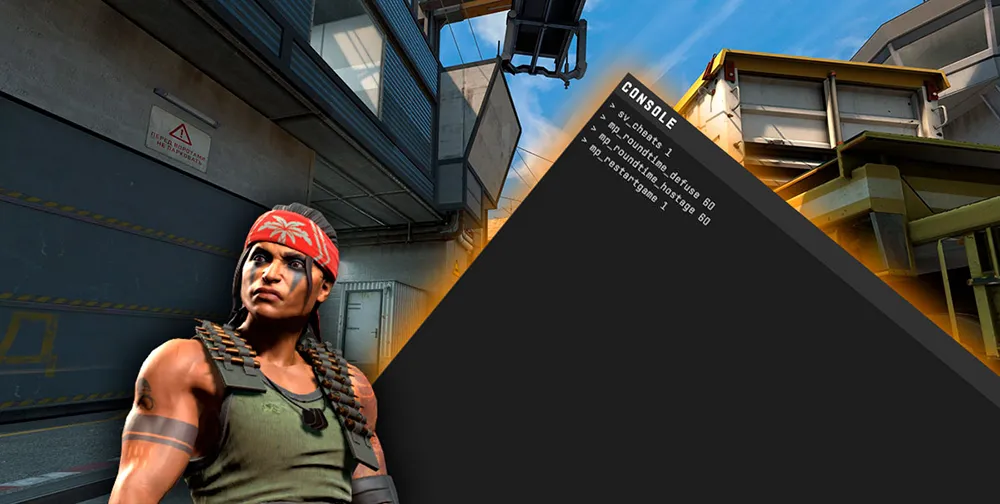
A ticking timer is the main enemy of a productive practice session. Whether you are learning grenade lineups or practicing movement, the standard two-minute round ends far too quickly. To stay focused, you need to know how to set infinite time in CS.
In this guide, we will break down all the ways to set up an infinite round in CS2 and stop the warmup timer.
How to make an infinite round in CS2
To stop the timer from restarting the map, you will need administrator rights (on a local server) and the console.
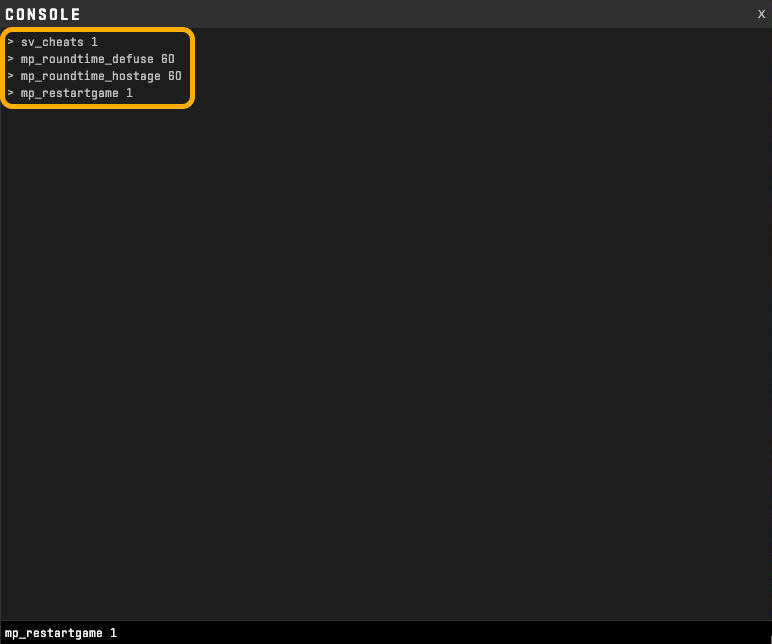
- Open the console (~).
- Activate cheat mode:
sv_cheats 1. - Set the maximum duration:
mp_roundtime_defuse 60(this sets the round to 60 minutes). - For hostage maps (cs-), use:
mp_roundtime_hostage 60. - Apply settings:
mp_restartgame 1.
Now you will have a full hour for peaceful, infinite practice in CS2. If the time runs out, simply repeat the procedure.
How to make an infinite warmup in CS2
Many players prefer practicing in warmup mode as it allows for instant respawning. Here is how to make an infinite warmup in CS:
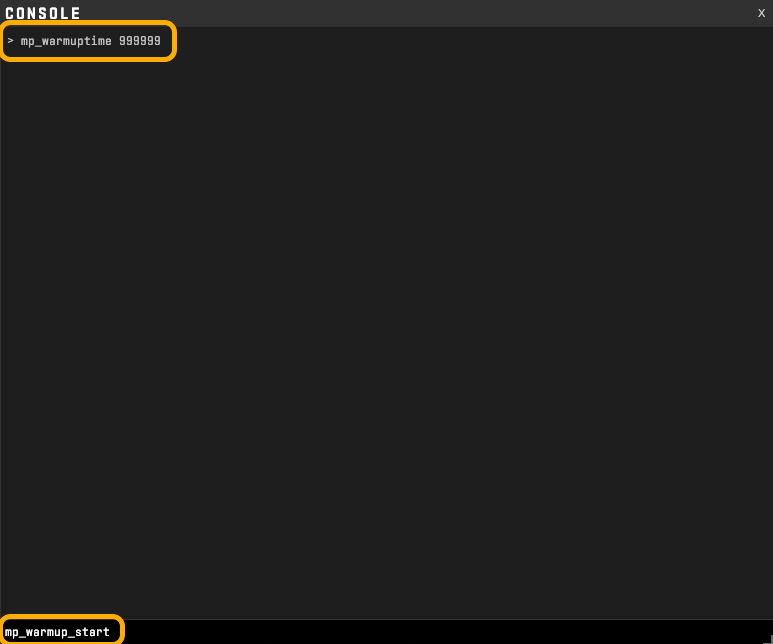
- Method 1 (Increasing time): Enter
mp_warmuptime 999999and, if the warmup is not already running,mp_warmup_start. - Method 2 (Pausing the timer): The most convenient way to make a round infinite in CS2 during the warmup phase is to simply stop the clock with the command:
mp_warmup_pausetimer 1.
Now the warmup will not end until you manually enter the command to finish it or leave the map.
Why can't I set infinite time in CS?
If you enter the commands but nothing changes, check these two points:
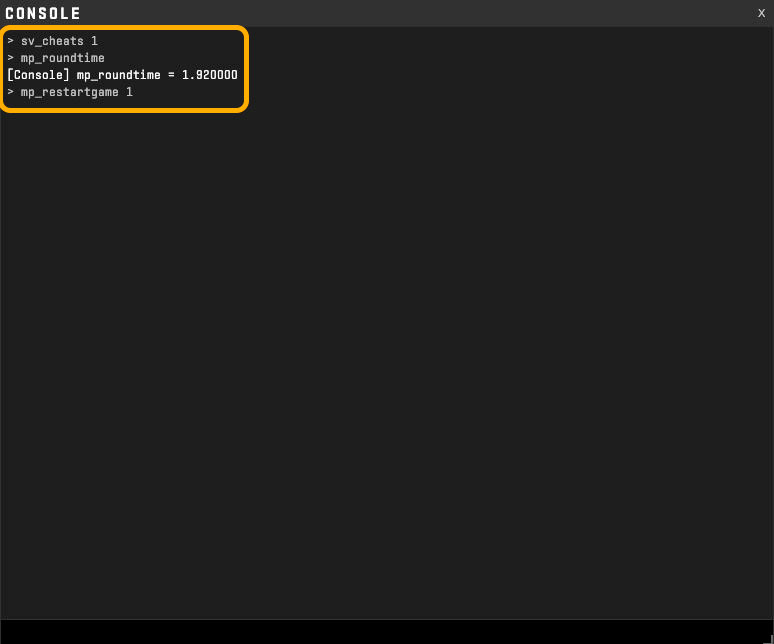
- sv_cheats: Most time-related commands require
sv_cheats 1. Without this, the game will ignore the changes. - Restart: The
mp_roundtimecommand often takes effect only after a round update. Do not forgetmp_restartgame 1.
FAQ: Quick answers
- How to set infinite time in CS2 in one second? Paste into the console:
sv_cheats 1; mp_roundtime_defuse 60; mp_restartgame 1. - How to remove the time limit in warmup? Use
mp_warmup_pausetimer 1.