
 Русский
  Polski
  Türkçe
  Español
  Deutsch
  Français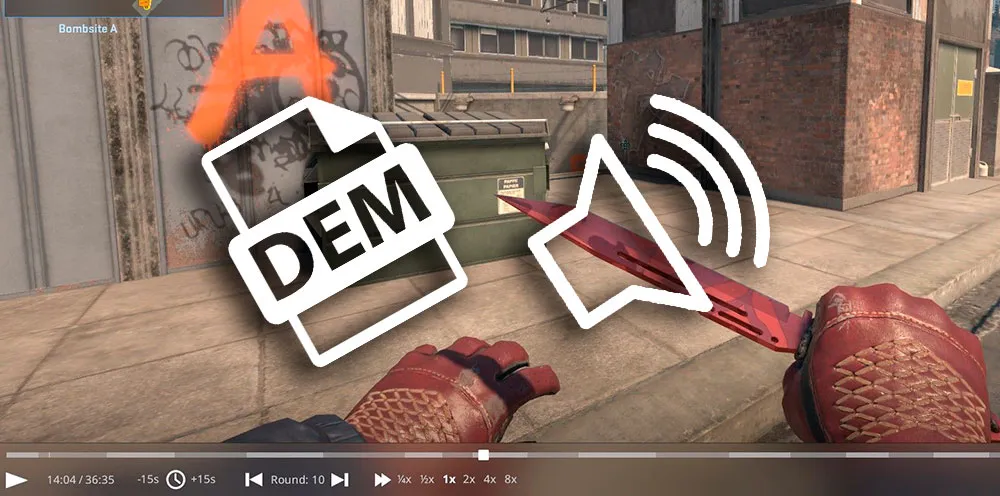
Watching your own match recordings is the best way to find positioning errors. However, players often face a problem: the recording starts, the video plays, but there is no sound. If you do not know how to enable sound in a CS2 demo, this guide will help you restore audio in a couple of steps.
In 2026, the Source 2 engine has become more stable, but bugs with audio device initialization in demo mode still occur.
Main reasons for silence in CS2 replays
Most often, sound is missing not because of corrupted files, but because the game "forgets" to switch the audio stream when loading a map from the archive.
Quick fix methods:
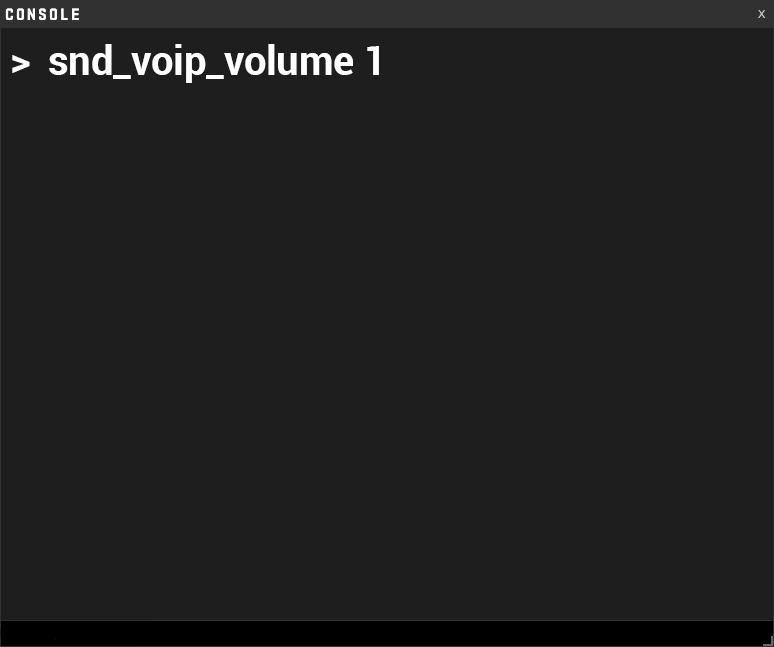
- Restarting the audio system: If you loaded a demo and it is silent, open the console (~) and enter:
snd_voip_volume 1(sometimes this "wakes up" the master mixer).
- Checking demo volume: In the playback interface (called with Shift + F2), check the volume slider. Sometimes it automatically resets to zero during fast-forwarding.
Console commands for sound in demos
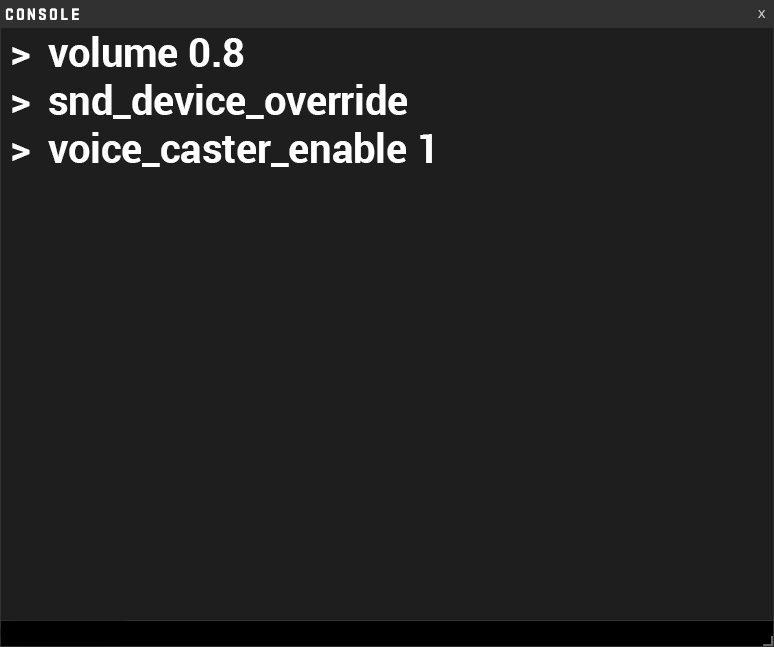
If standard methods do not help, use deep settings via the console. Here is a list of commands responsible for how to enable sound in a CS2 demo:
volume 0.8- Check the master volume (sometimes it behaves independently in demo mode).snd_device_override- If you have multiple audio outputs, enter this command to force select your active headphones.voice_caster_enable 1- If you are watching a professional recording with built-in commentary, this command will enable the casters' voices.
The "Sound is there, but no player voices" bug
Often in demos, you can hear shots and footsteps, but not the team communication. Important: In Valve's official competitive mode (Premier / MM), teammate voices are not always recorded in demos. However, if you are watching a recording from FACEIT:
- Make sure
voice_modenable 1is set in the console. - Check the
snd_voip_volumeparameter. If it is 0, you will not hear player conversations.
What to do if demo sound lags or cuts out?
If the sound lags behind the video or "stutters" during rewinding:
- Do not use high playback speeds (above 4x). The engine cannot process audio packets fast enough.
- If the sound disappears after rewinding backward, simply pause the demo for 2-3 seconds and press Play again. This synchronizes the streams.