
 Русский
  Polski
  Türkçe
  Español
  Deutsch
  Français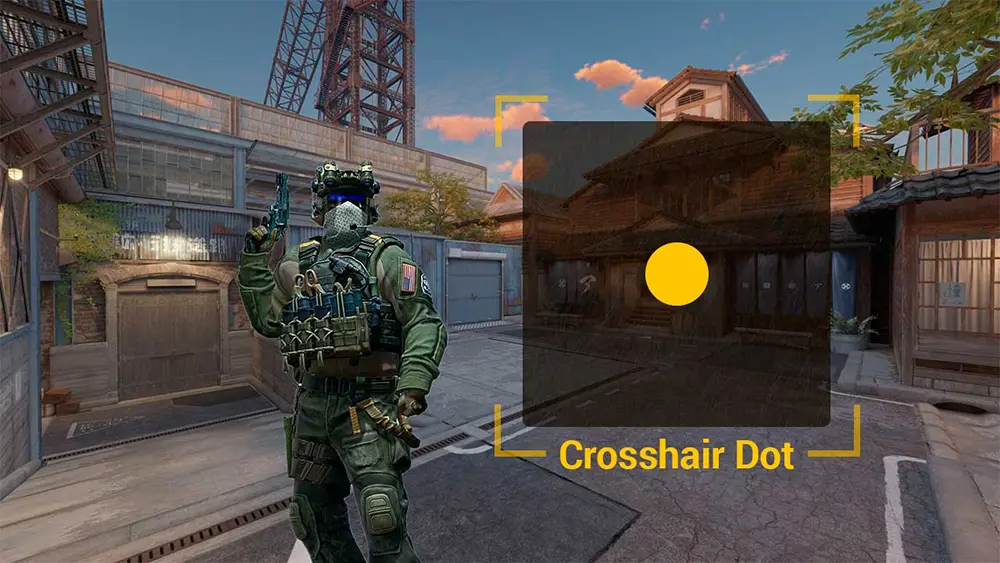
Among professional players and those who love to "click heads," the dot crosshair in CS2 is becoming increasingly popular. Unlike the classic crosshair, a dot does not block the view and allows for maximum precision when aiming at an enemy's head pixel, especially at long distances. In this guide, we will break down how to create the perfect Dot through settings and the console.
How to make a dot crosshair in CS2 via settings
The easiest way to set up a dot is to use the game's built-in menu.
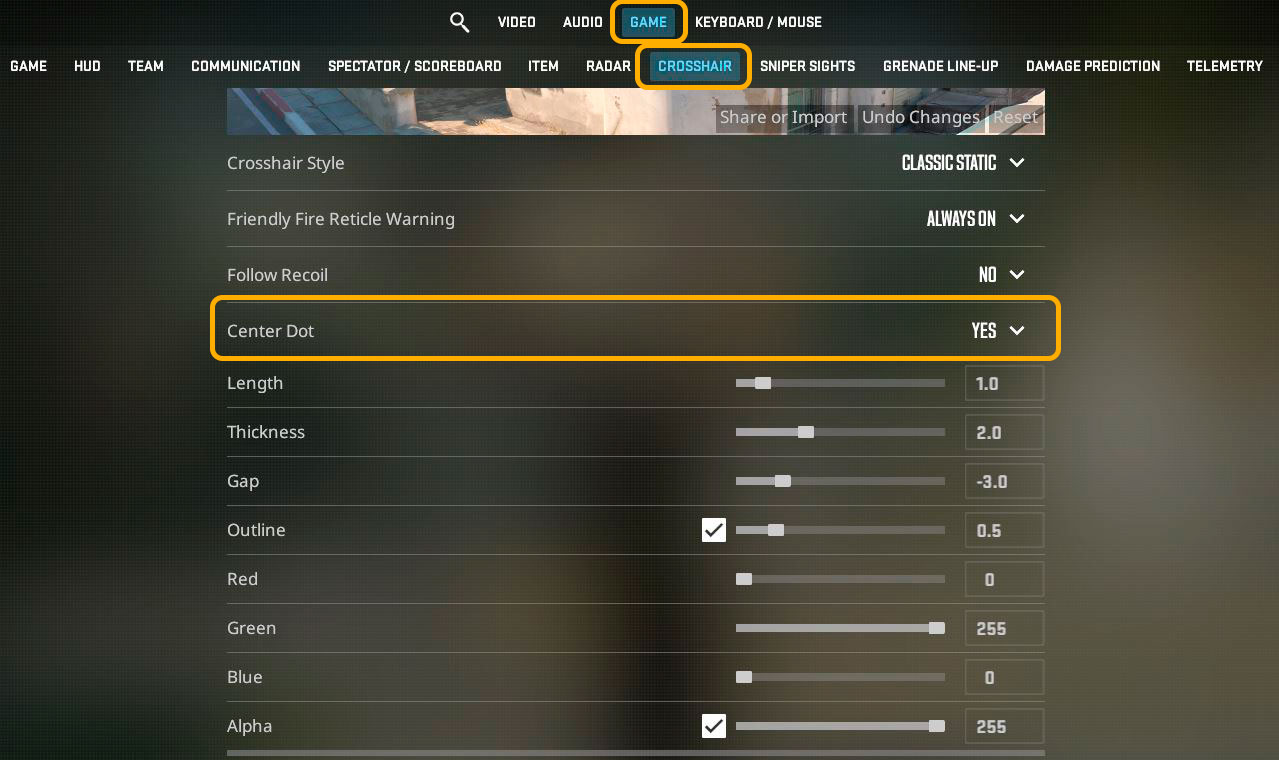
- Go to "Settings" -> "Game" -> "Crosshair".
- Enable the "Center Dot" parameter.
- Set "Length" and "Gap" to minimum values (ideally zero or negative numbers).
- Adjust "Thickness" so the dot size is comfortable for your eyes.
Console commands for dot settings
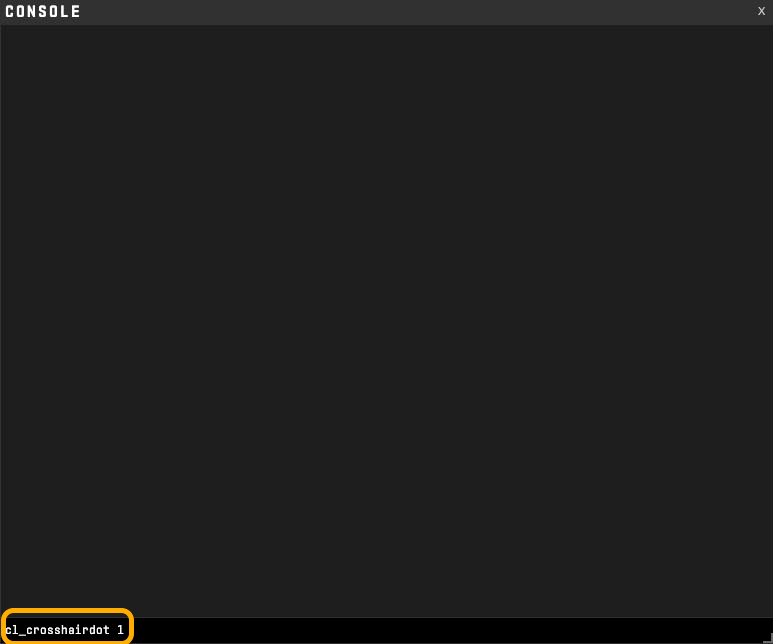
If you need surgical precision, it is better to use the console (~). Here is the basic set of commands to create a neat dot:
cl_crosshairdot 1: Enables the dot itself.cl_crosshairsize 0: Removes the side lines of the crosshair.cl_crosshairthickness 1.2: Adjusts the size (diameter) of your dot.cl_crosshairgap 9999: Guarantees that lines are moved off-screen.cl_crosshair_drawoutline 1: Adds a black outline so the dot isn't lost on bright textures.
Import codes for the dot crosshair
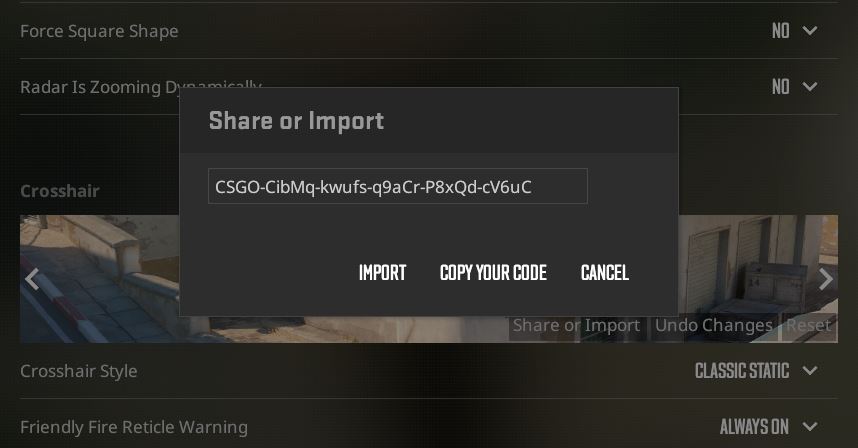
To avoid messing with sliders, just copy one of these proven codes and paste it into the "Share/Import" menu:
- Classic small dot:
CSGO-CibMq-kwufs-q9aCr-P8xQd-cV6uC - Dot with outline (best visibility):
CSGO-wR7EQ-DjUrv-TRJfX-pwjFZ-JQGOP
What color to choose for the dot?
Since the dot is very small, it is easy to lose against a bright background.
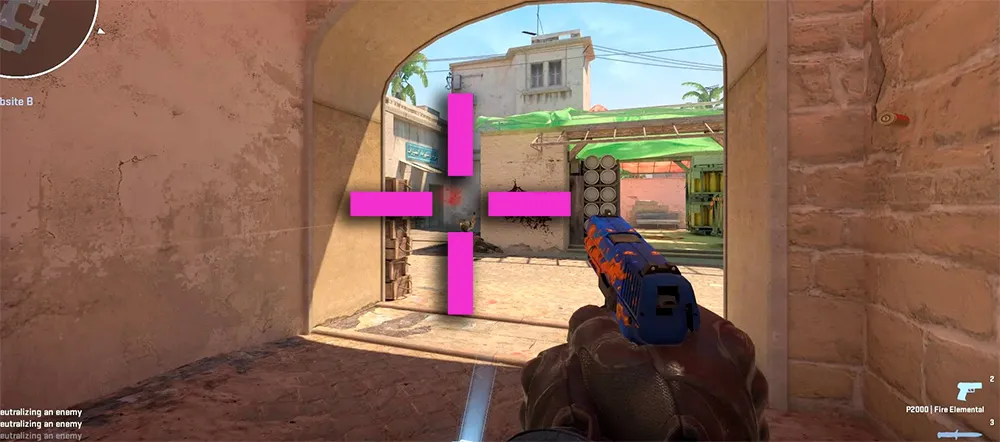
- Green or Pink: The most popular options, as they provide maximum contrast with most maps in CS2.
- Cyan: Great for playing on dark maps like Anubis or Ancient. Color setup instructions here: [Pink crosshair in CS2 (Article No. 7)]
Pros and cons of the dot crosshair
Advantages:
- Does not overlap the enemy model.
- Helps concentrate better on the center of the screen.
- Ideal for one-taps with the AK-47 or Desert Eagle.
Disadvantages:
- Harder to control spray, as there are no side "guidelines".
- Can get "lost" during intense movement or screen shaking.