
 Русский
  Polski
  Türkçe
  Español
  Deutsch
  Français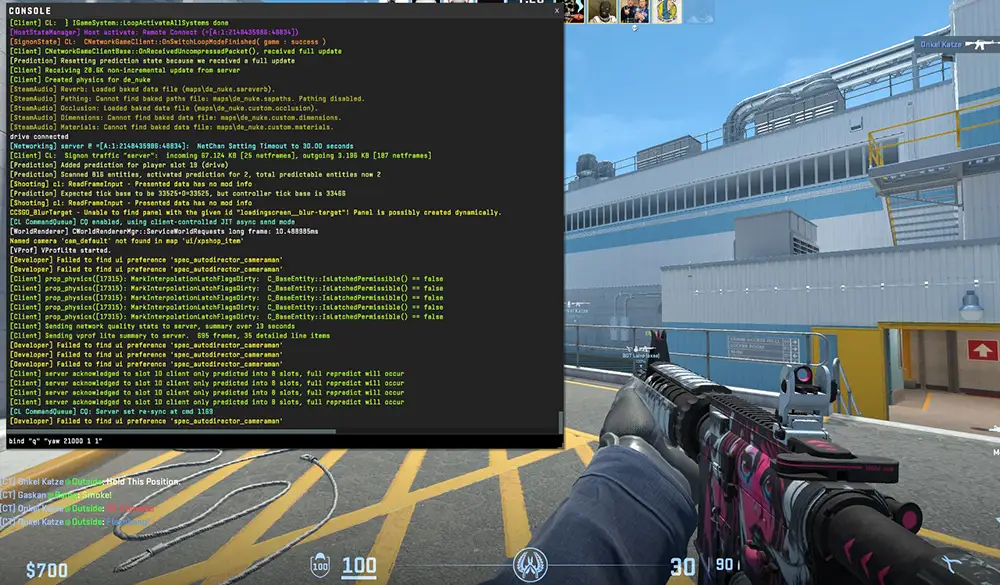
In 2026, Counter-Strike 2 is a game of nuances. With the transition to the Source 2 engine and the sub-tick system, old configuration methods from CS:GO have partially become a thing of the past. A properly tuned config today is not just about comfort - it is a way to eliminate the human factor in critical match moments.
In this material, we will break down everything: from simple commands to complex alias chains used by top esports athletes.
Technical Foundation: Console vs. Autoexec
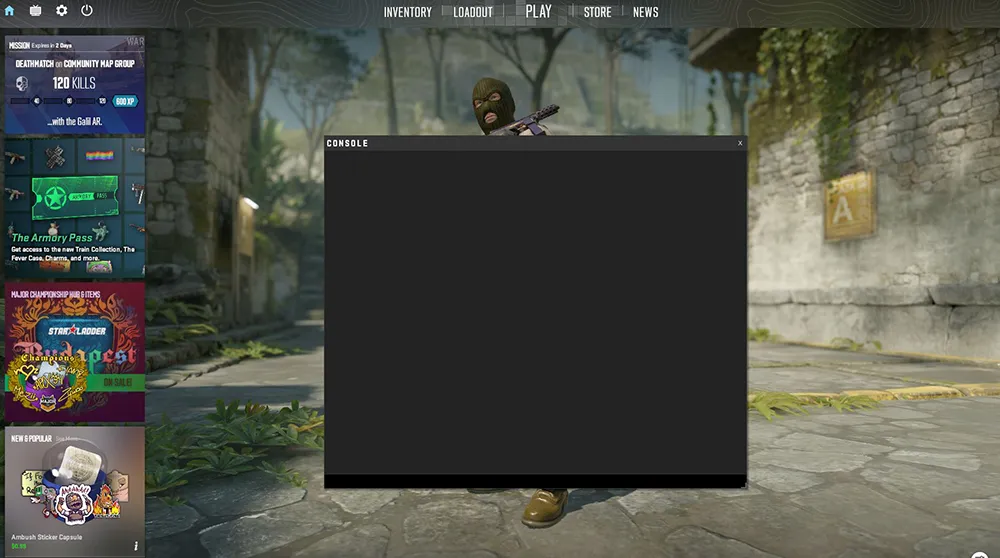
Many beginners make the mistake of entering binds only into the console. After a major CS2 update, settings often "reset" to default.
How to create the ideal Autoexec in 2026
To ensure your binds are permanent, you need to create an autoexec.cfg file.
- Navigate to the folder:
\Steam\steamapps\common\Counter-Strike Global Offensive\game\csgo\cfg\. - Create a text document and rename it to autoexec.cfg (make sure the extension is not
.txt). - Enter all your binds there.
Important: In the very last line of the file, you must write host_writeconfig. Without this command, the Source 2 engine may ignore your file.
Movement and Navigation: Pro Player Secrets
Jump on Mouse Wheel: Why is it the Standard?
In CS2, BunnyHop mechanics have become more "viscous." To maintain momentum, you need to hit a perfect 1-tick window. Scrolling the wheel creates a massive stream of +jump commands, increasing the chance of a successful hop by 70-80%.
- Code:
bind "mwheeldown" "+jump"; bind "mwheelup" "+jump"
[Full breakdown of Bhop mechanics and mouse wheel setup (Article No. 11a)]
Jumpthrow Bind: The CS2 Revolution
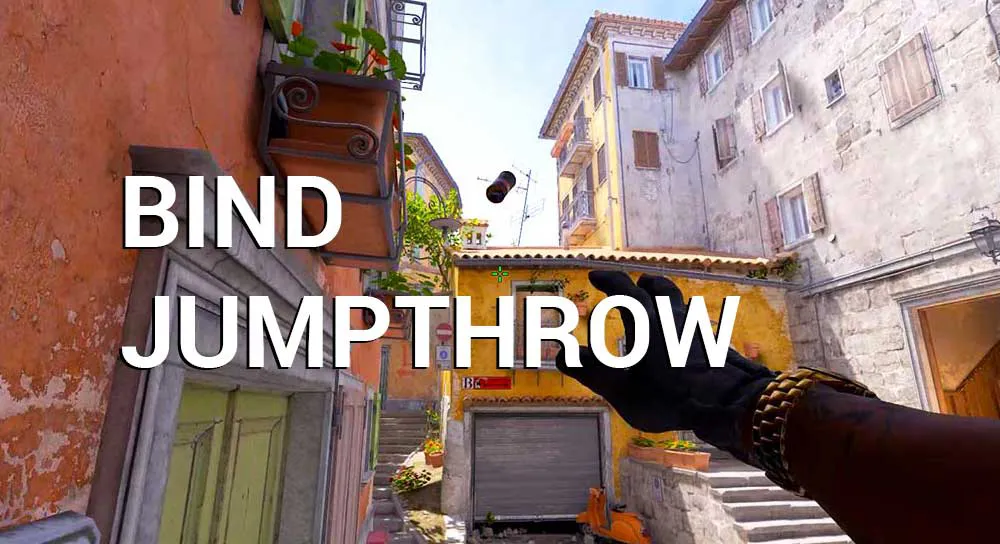
In early CS2 patches, Valve claimed that jumpthrow binds were no longer necessary as the game compensates for small delays. However, 2026 practice has shown: for "pixel-perfect" smokes from spawn to A-site on Mirage, the good old bind is still indispensable.
- Script:
alias "+jumpthrow" "+jump; -attack";alias "-jumpthrow" "-jump";bind "H" "+jumpthrow"
[All types of grenade binds: Jumpthrow, Runthrow, W-throw (Article No. 11b)]
Buy Binds
Why waste time on the radial buy menu when you can gear up in 0.5 seconds while discussing tactics? In CS2, the loadout system has changed (we now have "active slots"), making buy binds even more vital.
Examples for your config:
bind "f1" "buy ak47; buy m4a1_silencer;"- Auto-buy primary rifle.bind "f2" "buy vesthelm; buy defuser;"- Armor and defuse kit.bind "kp_1" "buy flashbang;"- Buy a flashbang using the Numpad.
Combat Functionality and Customization
Dynamic Hand Swap
In 2024, Valve brought back the switchhand command, and by 2026, it has become a must-have. Many pros bind it to Caps Lock or side mouse buttons so the weapon model doesn't block the view when peeking around corners.
- Code:
bind "mouse4" "switchhand"
Instant 180 Turn
This bind is highly sought after by low-sensitivity players. It allows you to turn the camera exactly 180 degrees with one press.
- Code:
bind "q" "yaw 21000 1 1"(Note: The number 21000 needs to be calibrated to your screen resolution).
[How to calibrate the turn bind for your sensitivity (Article No. 11c)]
Practice Mode
If you want to progress, you need "god mode" on your private server.
| Action | Command | Description |
| Noclip | bind "alt" noclip | Fly through walls to check smokes. |
| Rethrow | bind "j" sv_rethrow_last_grenade | The game repeats your last grenade throw. |
| Bot Place | bind "p" bot_place | Place a bot in front of you to test wallbangs. |
FAQ: Solving Bind Issues
Why did my Jumpthrow bind stop working after a patch?
- Valve sometimes changes how alias logic works. If the bind fails, try re-creating it directly through the console.
Can I bind a key to clear blood (r_cleardecals)?
- In official matchmaking - no. Valve disabled this command to ensure all players are on an equal footing regarding visual effects.
How can I see what is bound to a specific key?
- Simply type
key_findbinding [key_name]or justbind [key]in the console.